AI TOOL / #07082
SeeHear – Text Capture
An iPhone app that instantly converts text displayed on the camera into speech.
Introduction
iPhone app that converts camera text to speech instantly.
What is SeeHear – Text Capture?
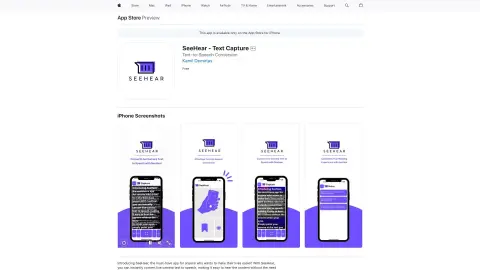
SeeHear is an iPhone application that can instantly convert text displayed on the live camera into spoken words. Users can point the camera at the text, and the app will automatically recognize it and read it out aloud. Additionally, users can take photos of the text and save them for future reference. This tool is designed to assist people with visual or reading impairments, as well as those who simply want to save time by having texts read aloud for them.
How to use SeeHear – Text Capture?
Simply point your iPhone’s camera at the text you would like to have read aloud. SeeHear will automatically recognize the text and read it out for you. You can also take a photo of the text for future use.
The core functionality of SeeHear – Text Capture
Real-time text-to-speech conversion using a webcam
Save the captured text to the iPhone’s photo album.
The text size and font type can be customized.
Save and share the captured text.
Related
fBookmarks – Personalized AI Newsletter
An artificial intelligence-powered bookmark summary tool, delivered to your inbox every week.
Essence – Read Smarter
Essence provides quick and accurate summaries of web articles, helping to save time and improve the efficiency with which information is absorbed.
tldrx.me
Tldrx.me provides summarized web pages to save reading time and improve reading habits.
Plume
Plume distills text files into concise summaries, saving time and extracting key information.
Ask & Summarize
An app used for summarizing articles and running ChatGPT on Apple devices.
Bullet Points: summarize Web pages with GPT-3
This browser extension uses AI technology to extract three key points from web page summaries.