AI TOOL / #07070
TranslateAir
AI-driven translation and OCR tools suitable for macOS.
Introduction
AI-powered translation & OCR tool for macOS.
What is TranslateAir?
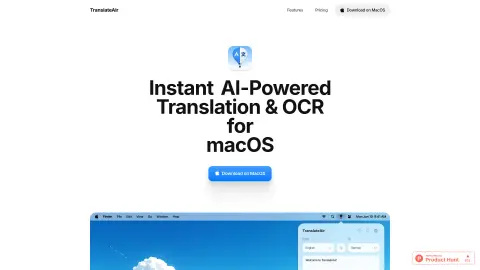
TranslateAir is an AI-powered translation and Optical Character Recognition (OCR) tool designed for macOS. It enables users to instantly translate text from any application, website, or document. Its features include a real-time floating toolbar, intelligent rewriting options, customizable shortcuts, access via the menu bar, as well as advanced OCR capabilities that allow users to capture text from anywhere.
How to use TranslateAir?
Select text from any application, website, or document. A floating toolbar will immediately appear beside it, making the translation process extremely easy. You can also use custom keyboard shortcuts to initiate translations or perform OCR operations.
The core functions of TranslateAir
AI-driven translation
Intelligent rewriting
pop-up translation
Text OCR extraction
keyboard shortcuts
Multi-language support
Related
TTSLabs
TTSLabs offers a text-to-speech service that customizes AI voices and sound effects for Twitch streamers.
Vox Pop AI
An application for audio conversations with AI celebrity avatars.
PromptsGenii – AI Image Prompt Generator
An AI suggestion generator, designed to produce excellent prompts for AI-generated art.
AutoLatex
A browser extension that makes it easy to generate LaTeX formulas using LLMs.
plano.ly
Free social media tools that help optimize personal profiles and enhance content sharing across different platforms.
Productify.ai
AI-based tools used for generating product content, such as descriptions, features, benefits, and SEO tags.