AI TOOL / #06683
VoiceChatter
Convert speech into text in Chatter format.
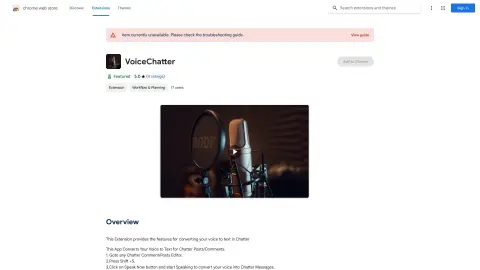
Introduction
Converts voice to text for Chatter posts and comments.
What is the Voice to Chatter Converter AI Chrome extension/plug-in?
This application converts your voice into text for Chatter, allowing you to create messages quickly and easily using voice recognition technology.
How to use the Voice to Chatter Converter AI Chrome extension/plug-in?
1. Open any Chatter comment/posting editor.
2. Press Shift + S.
3. Click the “Speak Now” button and start speaking; your voice will be converted into a Chatter message.
The core functionality of the Voice to Chatter Converter AI Chrome extension/plug-in
Chatter's text-to-speech function
Related
AndyAi
Through automation and an intuitive user interface, AndyAi is an AI assistant that revolutionizes system management.
MARK•R
An AI browser extension for exploring interactive web content and performing conversational queries.
Omnibot
Omnibot is an AI platform that enables the operation of Large Language Models within web browsers, and it features local processing capabilities as well as privacy safeguards.
Herodot AI
Herodotus is an AI travel guide that shares stories about the places depicted on maps.
ConversAI
ConversAI is an AI chat assistant that helps you respond to any message with just one click.
Sixty
Sixty AI uses artificial intelligence to manage tasks, helping users regain their time.