AI TOOL / #06325
ChatGPT Voice Assistant
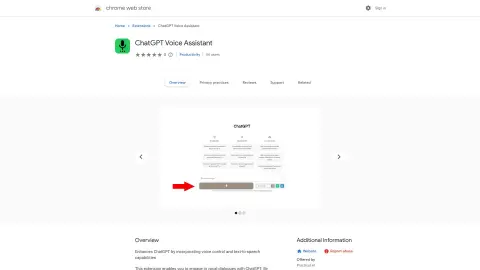
The voice-activated ChatGPT interface supports text-to-speech conversion and multiple languages.
Introduction
Voice-activated ChatGPT interface with text-to-speech and multi-language support.
What is the ChatGPT Voice AI Chrome extension/plug-in?
This tool allows you to capture voice input and send it to ChatGPT. The responses generated by the system can be listened to aloud (this option can be disabled if desired). It supports multiple languages, and you can start capturing voice data by clicking the microphone button or holding down the spacebar.
How to use the ChatGPT Voice AI Chrome extension/plug-in?
Click the microphone button or hold down the spacebar to record your voice input. This tool will send your recorded voice to ChatGPT, which will then read out the response. You can also choose to disable the text-to-speech function if you prefer to read the responses directly.
The core functions of the ChatGPT Voice AI Chrome extension/plug-in
Voice input for ChatGPT
Text-to-speech output generated by ChatGPT
Multilingual support
Capture voice input using the microphone button or the spacebar.
Related
Sketch2scheme
An AI-powered tool designed to convert hand-drawn charts into digital formats.
Ludex | Sports Card and TCG Scanner with Price Guide App
Ludex is a sports and TCG card scanning application that also includes a price guide and collection management features.
Ping Path
Navigation apps designed for people with visual impairments, which utilize artificial intelligence, augmented reality, and spatial audio technology.
Find That Photo – Find Photos Fast
AI-powered photo library apps make it easy to search by object, text, or person.
Block Blast Solver
Free block blast solver that uses AI analysis to provide the best moves.
Palmyst
Palmyst offers interactive palm reading services to help you gain insights into the key aspects of your life.