AI TOOL / #02561
SidekickSpace
SidekickSpace utilizes client-side masking technologies to ensure that sensitive data is not accessed by artificial intelligence systems.
Introduction
SidekickSpace protects sensitive data from AI with client-side masking.
What is SidekickSpace?
SidekickSpace uses client-side masking technologies to protect sensitive information of enterprises and developers. It places emphasis on data control, privacy, security, and ease of use, positioning itself as a vital assistant for AI applications.
How to use SidekickSpace?
Use masking tools to replace sensitive text with placeholders before sending the data to generative AI systems. After receiving the answers generated by the AI, replace the placeholders with the original text to obtain accurate results.
The core functions of SidekickSpace
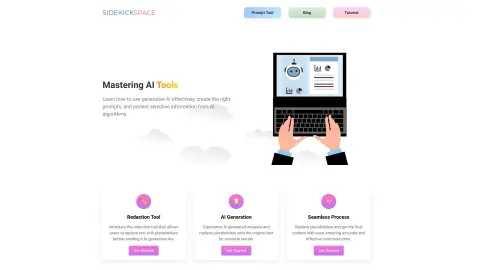
Masking tool: Replaces sensitive text with placeholders.
AI-generated: Experience answers created by AI, with placeholders used in their place.
Seamless process: Easily replace placeholders to ensure accurate communication.
Related
ScreenRedact
A Mac application designed to use local machine learning techniques to identify and highlight text within images.
Parseflow.io
Parseflow uses AI to automate data extraction and document parsing for businesses of all types.
DocXter
AI tools that extract insights from documents, generate questions, and simplify language.
cinnamon.ai
Cinnamon AI provides business-focused AI solutions focused on document analysis and automation.
Selectext: Copy Text from Videos
Selectext copies on-screen text from videos, improving productivity and saving time.
Pic to Text
A free web-based tool for extracting text from images using OCR technology.