AI TOOL / #02388
Chatbox
AI client applications and smart assistants compatible with multiple AI models and APIs, supporting multiple platforms.
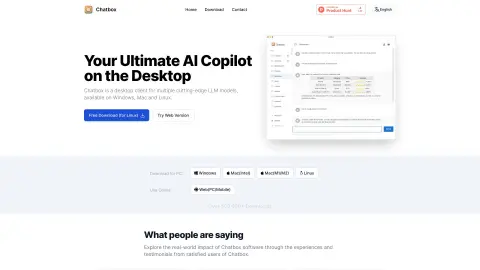
Introduction
AI client application and smart assistant compatible with various AI models and APIs across multiple platforms.
What is Chatbox AI?
Chatbox AI is an AI client application and intelligent assistant compatible with multiple advanced AI models and APIs. It supports multiple platforms including Windows, MacOS, Android, iOS, Web and Linux. Chatbox AI allows users to converse with documents and images, generate and preview code, perform real-time web searches, and create AI-generated charts and images. It prioritizes data privacy and security by storing data locally.
How to use Chatbox AI?
Download and install the Chatbox AI app for your operating system (Windows, Mac, Linux, Android, iOS). Launch the app and interact with the AI model by entering queries or uploading documents and images. You can also use it through your browser.
Chatbox AI Core Features
AI chat interface
Document and image chat
Code generation and preview
Real-time web search
AI generated charts
AI-driven image creation
LaTeX and Markdown rendering
local data storage
Related
Doc2cart
Use OCR technology to automate the extraction of document data for use in e-commerce.
Biolytics
Biolytics is an app for tracking and understanding biomarker trends in lab test results.
Procys
An AI-based automated document processing and data extraction platform.
Redactable
AI-powered document editing software for quickly and securely removing sensitive data.
Alphamoon
An artificial intelligence-based platform designed for intelligent document processing and data extraction.
Image to Text (OCR)
A Chrome extension designed to extract editable text from images and PDF files.