AI TOOL / #02334
MacCopilot
A native macOS auxiliary application designed for use on screens where interactions with AI technologies take place.
Introduction
Native macOS copilot app for screen interaction with AI.
What is MacCopilot?
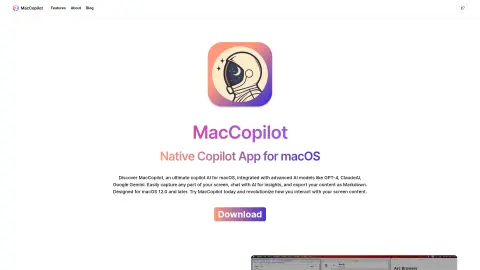
MacCopilot is a native macOS utility that can intelligently interact with the content on your screen. It integrates AI models such as GPT-4o or Gemini, allowing it to capture screenshots effortlessly and seamlessly connect with various AI platforms, thereby enhancing both productivity and creativity.
How to use MacCopilot?
To use MacCopilot, first activate your license by going to Preferences > General. Then, add the AI model by selecting Preferences > Models > Add Model. Use the menu options “Capture” or “Capture previous area” to capture the screen content. Press the ESC key to exit the selection process.
The core functions of MacCopilot
AI-driven interaction: Communicating with AI models regarding the content displayed on the screen.
Flexible screenshot capture: You can select and capture any part of the screen.
Seamless multi-platform support: Allows connection to multiple AI models, including OpenAI, Google, Anthropic, and Ollama.
Related
eMACH.ai
eMACH.ai: A first-principles-based open finance platform for banking and insurance.
Aurum KuberX
An AI-driven platform designed to help users find the best mortgage loan rates in Mumbai.
Kniru: AI-Powered Finance
AI-powered personal finance app to manage finances, provide insights and answer financial questions.
clarity.ai
Artificial intelligence-based sustainability data and solutions for use in investment, compliance, and reporting purposes.
Caseway
An AI-powered legal research assistant for lawyers and non-lawyers that provides instant legal insights.
LawBotica
AI-based legal assistant for document review, summaries and interactive chat.