AI TOOL / #10766
Transcribe YouTube Video
Chrome extension for YouTube transcription, summarization and navigation.
Introduction
Chrome extension for YouTube transcription, summarization, and navigation.
What is Transcribe YouTube Video ai chrome extension/plugin?
Transcribe YouTube Videos is a Chrome extension designed to enhance your YouTube experience by transcribing videos, extracting subtitles, providing summaries and easy content navigation. It uses artificial intelligence technology to transcribe and summarize videos in multiple languages, allowing users to quickly obtain and utilize information in YouTube videos.
How to use Transcribe YouTube Video ai chrome extension/plugin?
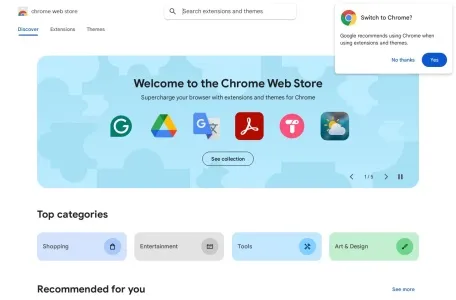
1. Install the extension from the Chrome Web Store.
2. Open any YouTube video.
3. Access the extension panel for transcripts, AI summaries, and time navigation.
4. Download or copy the text as needed.
Transcribe YouTube Video ai chrome extension/plugin core features
AI-driven transcription and summarization
Multi-language support
Time navigation with timestamps
Downloadable transcription document
Copy transcript to clipboard
Related
Avatar.One
Create and interact with your custom 3D AI girlfriend, and you even have the opportunity to earn money.
LikeLike
Find similar Instagram profiles based on the uploaded photos and locations.
HingeGPT
Generate mediocre Hinge pickup lines.
DePassport
An AI-powered platform designed to foster meaningful connections across various types of relationships.
DateReady
Games driven by artificial intelligence help improve dating skills through practice in real-life scenarios and immediate feedback.
Flirt Like Pro
AI-powered chat robots generate witty and intelligent responses, thereby enhancing one’s flirting skills.