AI TOOL / #10085
DALL·E Cli
A command-line tool that allows users to generate, edit, and filter images using the DALL-E 2 API.
Introduction
Command-line tool to generate, edit, and filter images using the DALL-E 2 API.
What is DalleCli?
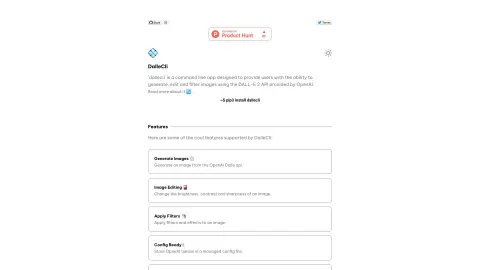
DalleCli is a powerful and easy-to-use command-line tool that utilizes the OpenAI DALL-E API to generate, edit, and filter images. It allows users to create stunning images directly from the command line, apply various effects and filters, and enhance their creativity. DalleCli provides the capability to use the DALL-E 2 API offered by OpenAI for image generation, editing, and filtering purposes.
How to use DalleCli?
Use `pip3 install dallecli` to install DalleCli. Then, use commands such as `generate`, `edit`, and `filter` to create and modify images from the command line, by utilizing the OpenAI token stored in the management configuration file.
The core functions of DalleCli
Generate images using the OpenAI Dalle API.
Adjust the brightness, contrast, and clarity of an image.
Apply filters and special effects to the image.
Store the OpenAI token in the management configuration file.
Related
MyGirl—Your AI Girlfriend
An AI-powered chatbot for female friends, offering interactive and unrestricted virtual relationships.
AI Photo Generator | Photo AI
An AI photo and video generator for creating realistic human content.
AI Dating Bio Generator
An AI-powered generator for creating descriptions of dating apps, suitable for use with Tinder, Bumble, and Match.
MatchPhotos
MatchPhotos uses AI to generat...
Sincero
Sincero utilizes artificial intelligence to assist individuals and businesses in collecting and interpreting feedback.
Wizard of Swipe for Tinder
The AI Tinder Assistant automates the process of swiping through profiles and engaging in conversations to help you find potential matches.